Box Breathing
“What has to be taught first is the breath.” - Confucius
I recently had therapy and one of my goals out of that session was to improve my breathing when I’m feeling anxious.
To be more specific, I want to aim for spending 30 minutes a day box breathing. Box breathing is a simple enougn concept - breathe in for four seconds, hold that breath for four seconds, breath out for four seconds, and hold that exhale for four seconds. Where it gets tricky is keeping this rhythm up for a significant amount of time without driving yourself crazy.
To avoid having to plan my day around this, making it a part of my everyday routine is important. I spend time each day watching long form youtube videos or movies so a tool that could plug into that block of time would be perfect.
I have some experience making browser extensions for my work so wiring up a simple animation that could sit on the side of your viewing experience could be enough to keep you breathing without spending all your time counting to 4 in your head over and over again.
You might be familiar with the Chrome Extension Store. You can download extensions that alter your theme or browsing experience with tools built by the community. Seperately. Developer Chrome offers great tooling to help you build your own extensions.
To get started, we just want something that loads a side panel on your viewing experience. To tell the browser how to interact with your extension, you’ll mainly be altering what’s called the manifest. The manifest is the source of truth for your extension name, run time details, version number, etc.
Create a folder and copy this basic manifest content into a manifest.json file:
{
  "name": "Box Breathing",
  "description": "An extension that displays an animation to help to stay on track when box breathing.",
  "version": "1.0",
  "manifest_version": 3,
  "action": {
    "default_popup": "breathing.html",
    "default_icon": "logo.png"
  },
  "side_panel": {
    "default_path": "breathing.html"
  },
  "permissions": ["sidePanel"]
}
In short, this defines an extension that has the permission to open a side panel and display breathing.html in that sidepanel.
For now, create an html file with the string ‘hello world’ like so:
<html>
  <body>
    <h1>Hello World</h1>
  </body>
</html>
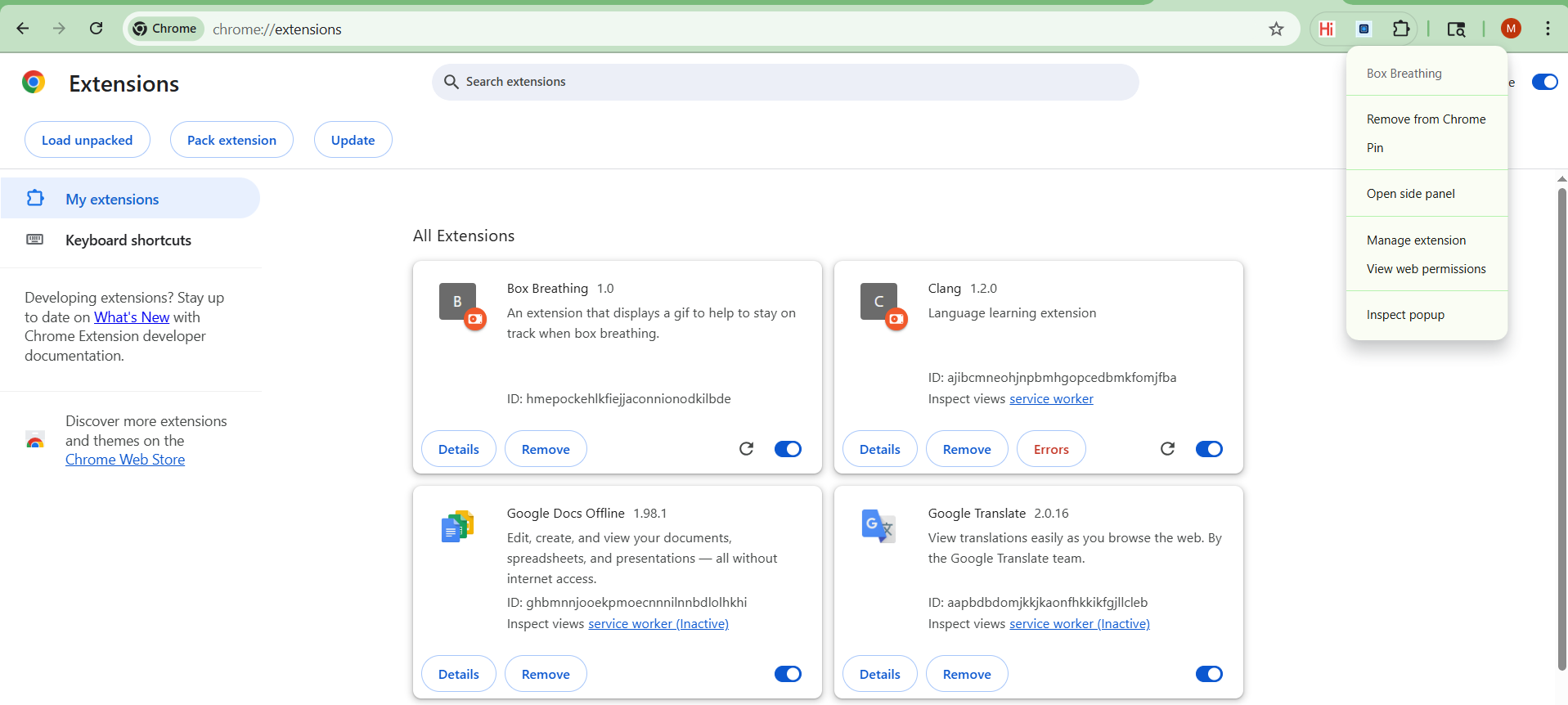
Let’s try loading this in. Go to chrome://extensions/ (type this into your address bar, not sure how to link internal pages). Here you can load and unload experimental extensions.
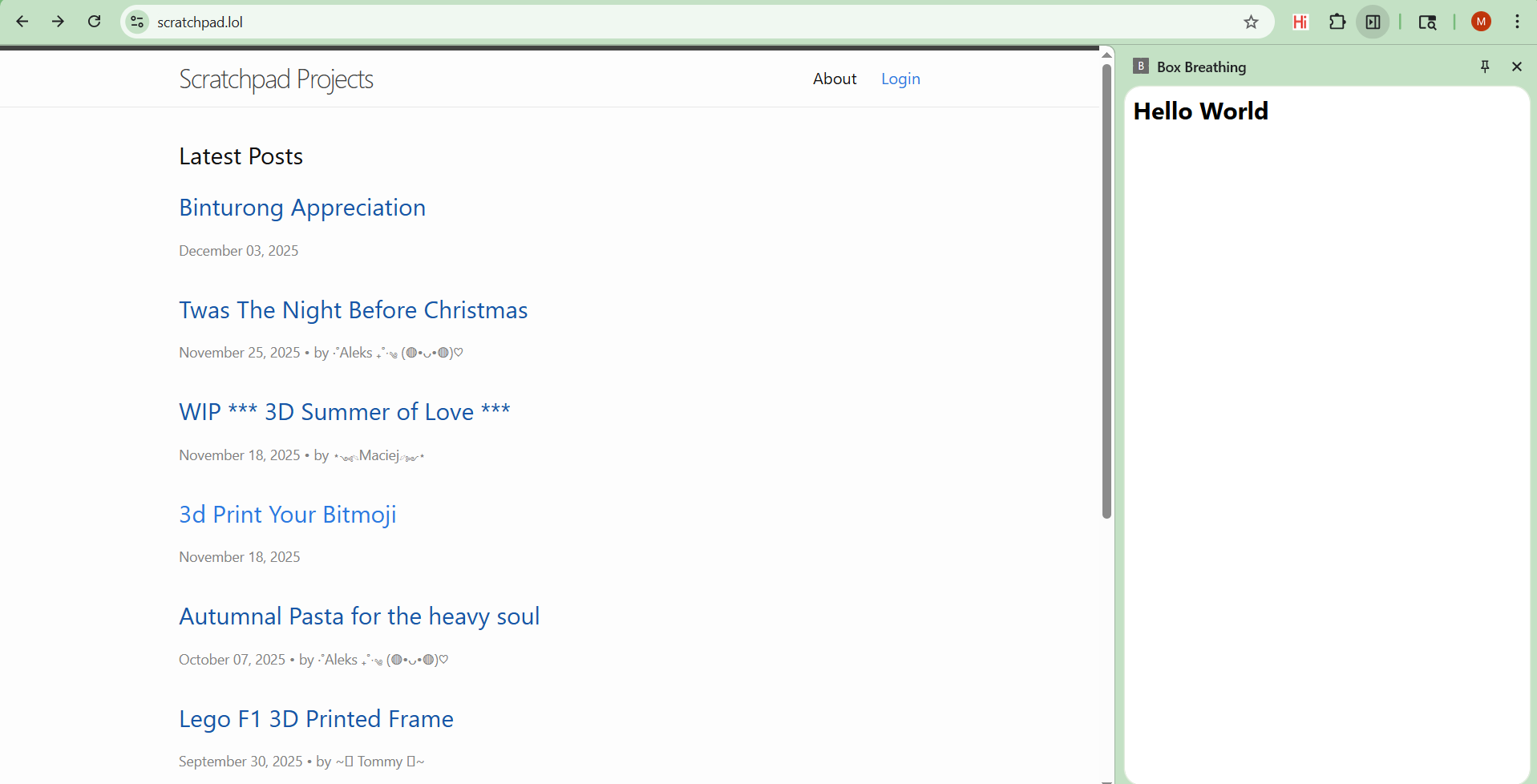
Click ‘Load Unpacked’ and select the folder you created with the manifest and html. You should see your extension loaded in with a details button and the ability to remove. Your extension is also interactble now through the extensions manager on the upper right hand side. Open the extension and click ‘Open Side Panel’.
You should see the below:
and when opened, the following:
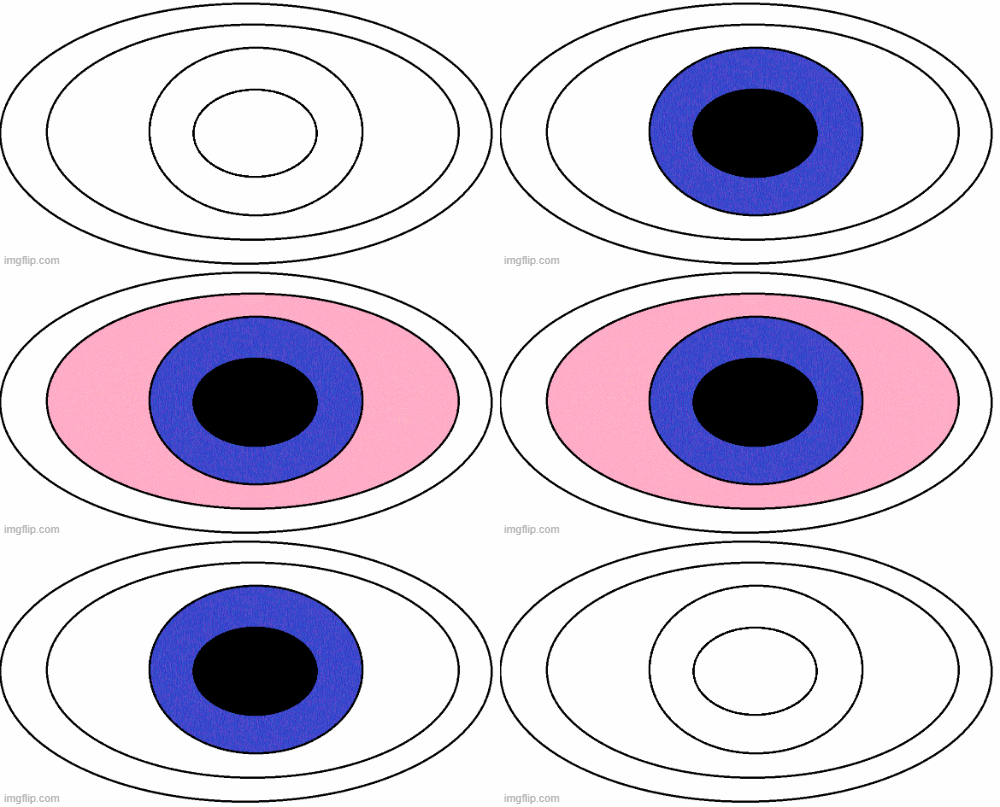
Now we want our extension to do a bit more than say hello. We can update the html to play an animation. An animation is just a series of static images or frames played in a sequence. I’ve provided in an assets folder the exact images I used to create the box breathing animation as well as the final animation. Feel free to make your own and use a free site like imgflip to create the gif.
To reuse my gif, update your html like so:
<html>
  <body>
	<img src="eyeball.gif"></img>
  </body>
</html>
Make sure to include the eyeball.gif in your project folder and reload the extension.
On reopening the side panel, you should now see the animation.